GitHub Desktop

VIP uses a set of version control and hosting tools to manage software "repositories" for projects. Repositories are just collections of files and directories that make up a codebase. Each of these tools has an important role in managing code:
Git is a version control system that allows multiple people to work on the same codebase without stepping on each other's toes. Think of it like collaborating on a google doc, except instead of everyone doing it live, you have your own copy of the document, which you then edit and merge back into the main document later.
GitHub is a website that hosts Git repositories, and is where we store all of our code. For VIP, we host all our code here. It's the Google Drive for code. Users can copy other peoples code, suggest changes, and many other collaborative tasks.
GitHub Desktop is a graphical user interface for managing Git repositories. It allows users to commit their changes to a codebase, and then sync those changes with GitHub. This is the tool that this tutorial teaches you how to install. All the other tools are already setup for you by admins.
Install
To install GitHub desktop, just go to The GitHub Desktop Website and click "Download Now".
GitHub Desktop is not available for Linux. If you are using Linux, this documentation makes the assumption you know what you are doing.
Run the installer from your downloads folder, and sign into GitHub Desktop with your GitHub account when prompted. Use your GitHub credentials as your name and email. GitHub Desktop should now be installed and ready to use.
Learn
To learn how to use GitHub Desktop, go ahead ad click the "create tutorial repository" button as shown below and follow the tutorial.
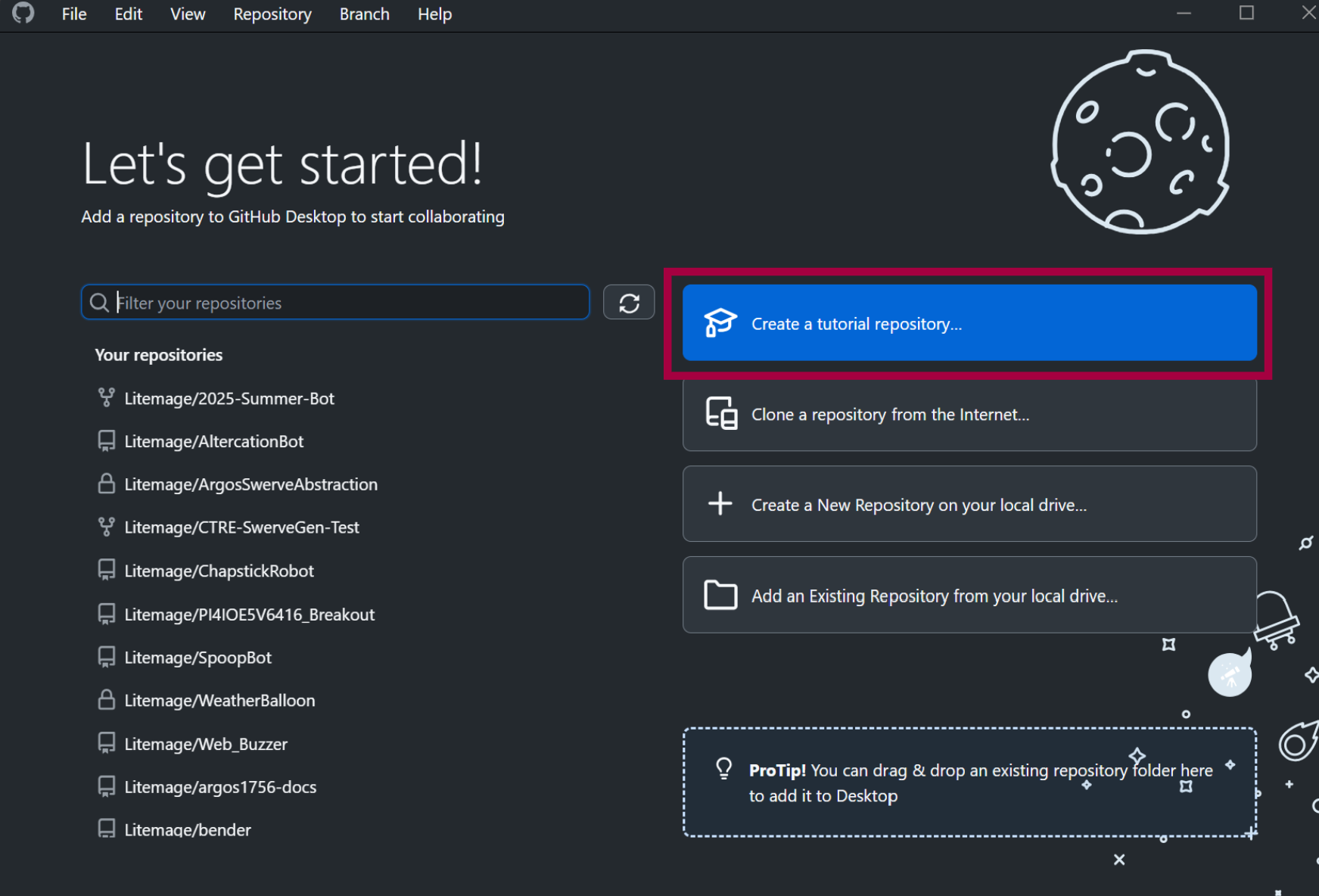
Here are some more resources to help you learn Git if you want to learn more:
Your group leaders will also help you learn how to use Git/GitHub and will provide standards on branches, pull requests, etc.